
Roll Cases for Brainrots Controls
Roblox defaults plus the E JUMP prompt. Other actions follow on-screen buttons.
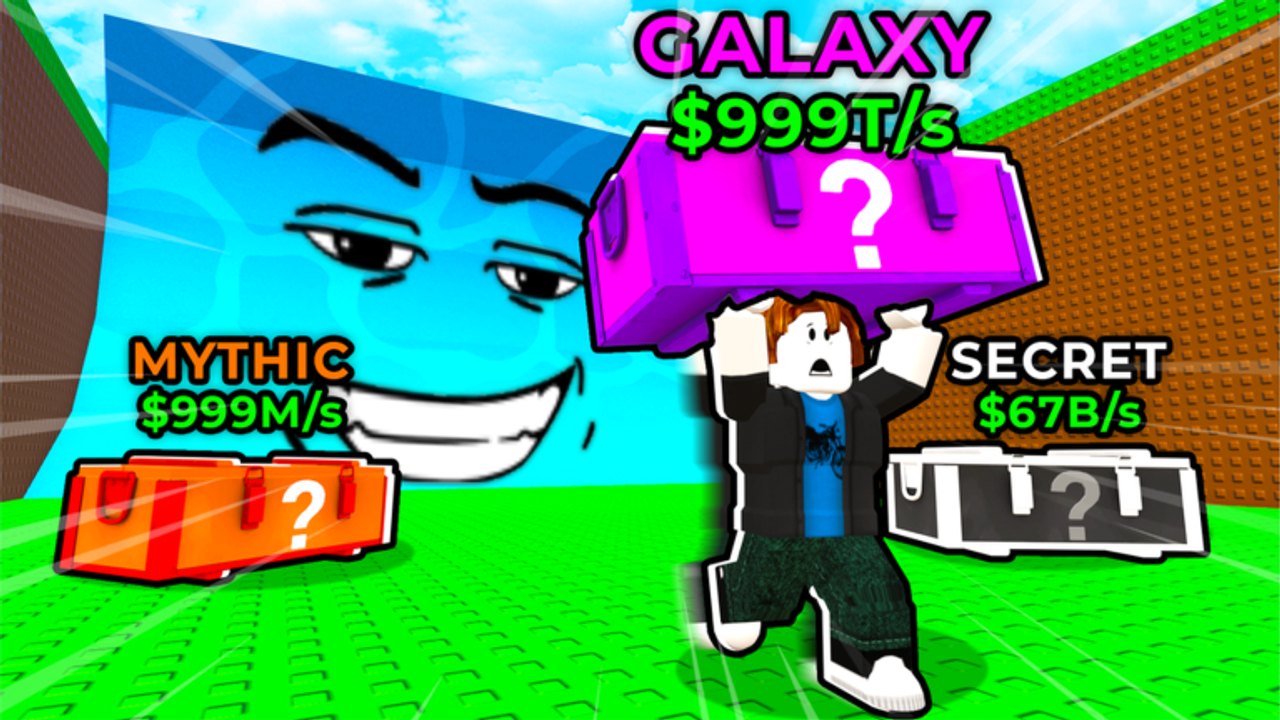
Controls in Roll Cases for Brainrots are mostly Roblox defaults plus one action official art actually labels: E JUMP. You move, you look, you jump a rainbow arc, you pick up a mystery case, you open it, you place a Brainrot, you collect cash, you train, you rebirth, and you run from the tsunami. This page maps those verbs to PC and mobile without inventing extra keybinds. If a chart online swears jump is F, Q, or a double-tap emote, it is guessing. We only document Jump / E as shown in promo, and we tell you to follow the on-screen button for everything else.
Play on Roblox place 97665661589897. Servers hold five players. The experience is a free tycoon from RNG Collective, live since 14 May 2026. If you need the loop before the binds, open Getting Started. If you need distance, open how to jump farther. The rest of the guides hub waits until camera and jump feel honest.
Movement and camera (Roblox defaults)
On PC, WASD moves and the mouse aims the camera. Shift lock, if you enabled it in Roblox settings, is a Roblox setting, not a custom Roll Cases bind. On mobile, the thumbstick moves and a drag on the right side turns the camera. Pinch to adjust zoom if your device allows it. There is no secret slide key in the promo. If the HUD shows a sprint or crouch button, use that button. We will not name a key Roblox did not show.
Camera matters because the rainbow arc is your aim assist. Line the crate before you jump. Five other players (four plus you) will cut across the same view. A locked, low camera is how you eat a tsunami you never saw.
Jump / E JUMP
Official art prints E JUMP next to huge joke distances such as 819 million feet. In play, that is the jump action that launches the rainbow. On PC, expect the default Roblox jump (space) and follow any on-screen E prompt if the experience shows one. On mobile, tap the jump button. Do not bind a second jump key and assume the game will honor it. The pad trains strength. The jump button spends it. How to jump farther is the skill-tree page. This page is only which control fires the arc.
If jump does nothing, you are in a UI (shop, spin, rebirth panel) or you are dead in a wave. Close the panel. Respawn. Try again.
Train stand
Walk onto the train stand on your plot. Strength ticks while you stand there. Auto Train is the pass that keeps this going when you walk away. 2x Strength and 4x Strength multiply the same stand. There is no unique “train key.” Positioning is the bind. If you cannot find the stand, you are still in the Getting Started problem, not a controls problem.
Case open / spin UI
Grab a crate, then use the case open / spin UI. Faster Case Spin shortens the animation. 2x Luck and VIP (2x Luck, 1.5x Cash, VIP tag) lean odds. 3x Cases is off sale. The spin screen is click / tap. We do not invent a confirm key. Do not open in the water. How to open cases and the case tier list cover Galaxy, Magma, Lava, Mythic, and Secret crates. This page only tells you the UI is on-screen, not under a hidden key.
Plot place and collect cash
After a roll, place the Brainrot on a plot slot. Place Best is the pass that slaps the highest earner into a slot for you. Otherwise tap or click the slot. Auto Collect scoops cash. Without it, walk to the collector or use the on-screen collect button if one is shown. Plot setup and best Brainrots decide which slot deserves the unit. Controls only decide how you click it.
Sell junk from the same inventory UI. There is no secret sell emote.
Rebirth booth
Walk to the in-game rebirth booth and use the panel. Confirm is on that panel. We do not invent a rebirth hotkey and we do not invent the cash cost. How to rebirth explains the tycoon pattern. Progression helps you time it. Close the panel if a tsunami is live. Confirming prestige while you should be running is a controls mistake, not a strategy.
Tsunami run
When the wave starts, you are back to movement plus jump. Face the plot, jump, live. The dedicated pass is +15 percent Speed, a permanent escape help. It is not a new key. How to survive the tsunami is the decision page. This page’s only extra advice: do not open the spin UI, the shop, or the rebirth panel mid-wave. Those screens steal camera.
Mobile versus PC
PC advantages: mouse camera, easier crate lining, easier shop clicks. Mobile advantages: you can train on the pad while the phone sits. Mobile risks: a thumb covering the jump button, fat-finger shop purchases, and a camera that never sees the water. If you play mobile, enlarge the jump button in Roblox’s experience controls if the menu allows it, and keep the thumbstick on the left so the jump finger stays free. If you play PC, do not assume mobile players are worse at the pad; they just lose more often to UI accidents.
Gamepads, if Roblox maps them, still follow Roblox defaults. We will not publish a custom face-button chart. Look at the on-screen prompts.
What we will not document
No invented binds for mutations, rituals, or luck. Galaxy, Magma, and Lava are unit looks. You get them from cases, mutation luck, and ritual luck, not from a secret key. Read how to get mutations. No invented binds for codes. Open codes and type them with how to redeem. No invented binds for scripts. The scripts hub and auto-farm notes are optional pages, not extra keys. No stolen Steal a Brainrot slap tools.
If a patch adds a labeled button, updates and the September 2026 recap should mention it. Until the HUD prints a name, use the button you can see.
Setup checklist before a session
- Camera high enough to see crates and the water line.
- Jump button reachable (mobile) or space / E prompt ready (PC).
- Train stand not covered by a shop window.
- Inventory closed until you actually need to place or sell.
- Codes redeemed so you are not typing in a wave.
- Passes you own understood via gamepass value so you do not hunt a fake key for Auto Train.
The guides hub is the how-to index. The wiki links page lists official destinations. The tier-list hub ranks crates, Brainrots, mutations, and passes. Controls do not rank anything. They only make sure E JUMP, the pad, the spin UI, the plot, collect, rebirth, and the tsunami run are the six verbs you can actually fire. If a control is not on that list and not on the HUD, it is not a Roll Cases for Brainrots bind.
Frequently Asked Questions
Quick answers for Roll Cases for Brainrots.
What is the jump key in Roll Cases for Brainrots?
Official art labels the action E JUMP. Use Roblox jump (space on PC, on-screen button on mobile) and follow any E prompt the HUD shows. We do not invent extra binds.
Is there a unique key for training?
No. Walk onto the train stand. Auto Train is a pass, not a hotkey. See how to jump farther.
How do I open a case on mobile?
Grab the crate, then tap the case open / spin UI. Faster Case Spin only shortens the animation. Full loot advice is in how to open cases.
What should I press during a tsunami?
Movement and jump toward safety. Do not open shop, spin, or rebirth panels. The tsunami guide covers the +15 percent Speed pass.
Where is the rebirth bind?
There is not one. Walk to the in-game booth and use the panel. How to rebirth explains the pattern without fake prices.